
Elizjum Smaku
Elizjum Smaku: a holiday catering website and a panel that runs orders from menu to courier label
A holiday caterer from Bydgoszcz got an online shop for the Christmas Eve season and its own admin panel. The site takes orders for ready meals and sets, and the panel carries them on: menu, blog, the kitchen list and courier labels. One codebase serves five brands.
About the project
- Industry
- Holiday catering
- Services
- Website with shop, admin panel, kitchen panel
- Date
Results at a glance
5
catering brands on one site and one panel
2
separate panel entrances: administrator and kitchen
ZPL
delivery labels ready for Zebra printers
23-24 Dec
delivery window, orders until 20 Dec with a countdown on the site
The client
Elizjum Smaku is a caterer from Bydgoszcz that prepares ready Christmas Eve meals before the holidays and delivers them by courier to customers' doors. The offer has single dishes in a family and a business version, ready holiday sets and gifts. The site and the panel serve five catering brands.
The challenge
Christmas Eve catering has one sales window: orders are taken until 20 December and deliveries run on 23 and 24 December. In that time someone has to receive orders, check whether an address can be reached, tell the kitchen how much of each dish to cook and prepare labelled parcels for the courier. On top of that, several brands sell similar dishes under different names.
The alternative
The usual solution in a small catering business is a form or a phone call and a spreadsheet, from which someone retypes the orders into a list for the kitchen and into labels. With orders arriving over several weeks before the holidays, that retyping is the bottleneck and the easiest place for a mistake.
The solution, part 1: A site that takes orders
- Ordering in a few steps. The customer picks dishes from the menu or a ready set, adds them to the basket, and chooses a delivery date (23 or 24 December) and a time slot. The basket is remembered, so the customer can come back to it.
- Delivery check up front. At the top of the page the customer enters a postcode and town and sees at once whether we deliver there. Delivery zones live in the database, so the owner does not change code to extend them.
- Countdown to the order deadline. A bar at the top counts down to 20 December. After the deadline the site turns into a newsletter sign-up, so a customer who arrives too late does not leave empty-handed.
- Five brands, one codebase. Each brand has its own address, colours, headline and background photo, set in one configuration file. The menu and the panel are shared, so adding a brand does not mean building a site from scratch.
- Customer accounts and a blog. A customer can sign in and see their orders. The blog with categories is run from the panel.
- SEO and consents from day one. Structured data for a food establishment (address, hours, menu), a sitemap, separate privacy policy and terms pages, and a cookie consent that controls analytics.
The solution, part 2: The admin panel and the kitchen panel
The panel is a separate part of the application under non-obvious addresses, excluded from indexing and available after sign-in. It has two roles, administrator and kitchen, each with its own view.
- Menu, gifts, sets and blog. Dishes, gifts, ready sets and blog posts are added and changed in the panel, without a developer. Photos are uploaded straight from the form.
- Orders. A list with search by number, customer and phone, a details view (customer data, address, date, notes, ordered items), order editing and adding a new one by hand, and a CSV export. Each order has a history of email notifications with a “send again” button, and changes are recorded in a log.
- Kitchen panel. A separate login for the kitchen. The screen gathers all orders into one table: dish name, how many times it was ordered, portion and order numbers. The kitchen sees at once how much of each dish to cook, ticks off prepared orders (one by one or all at once) and prints the list.
- Delivery labels. You select orders (you can filter by delivery region), click once, and the panel downloads a ZPL file for Zebra label printers: recipient, address, region code and phone. For a large batch the panel asks for confirmation.
- Notes and tasks. An internal team notes list in the same panel as the rest.
Results
| Area | What works in the application |
|---|---|
| Taking orders | menu, sets, a postcode delivery check, a 20 Dec deadline with a countdown |
| Brands | 5 brands on one codebase and one panel |
| Kitchen | a combined dish list with order counts, ticking off, printing |
| Delivery | ZPL labels for Zebra printers, a region filter |
| Communication | email notifications about orders with a history and resending |
We do not publish the client's number of orders or revenue. We have no measurement of the kitchen's working time from before the launch, so we do not give hours saved either. The screenshots show the application run from the code on sample data: they contain no customer data.
Frequently asked questions
Can the owner change the menu without a developer?
Yes. Dishes, gifts, sets and blog posts are edited in the panel, and photos are uploaded from the form. The data lives in the database, so a change shows on the site after a refresh.
Can another brand be added?
Yes. A brand is an entry in the configuration file (name, colours, headline, background photo) and one address in the application routes. The menu and the panel are shared. The change needs a new version of the site to be published.
Is the panel open to everyone?
No. Entry is after sign-in, the administrator and the kitchen have separate views, and the panel addresses are excluded from indexing. Access to the data in the database is protected by row-level rules.
Related case studies
 WebsitesSEO and GEOAutomation and AIMarketing
- enquiries since launch
- 157
- enquiries since launch
- more Google impressions
- 10×
- more Google impressions
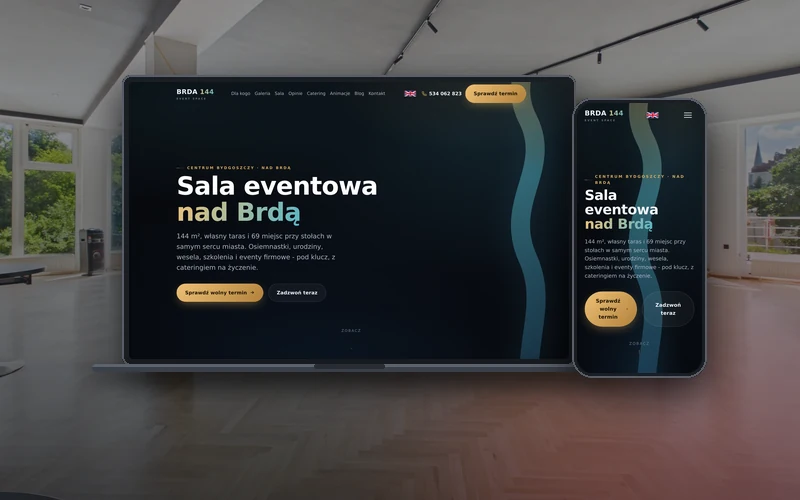
BRDA 144
How an event venue in Bydgoszcz gets enquiries from Google, AI and ads
Read the case study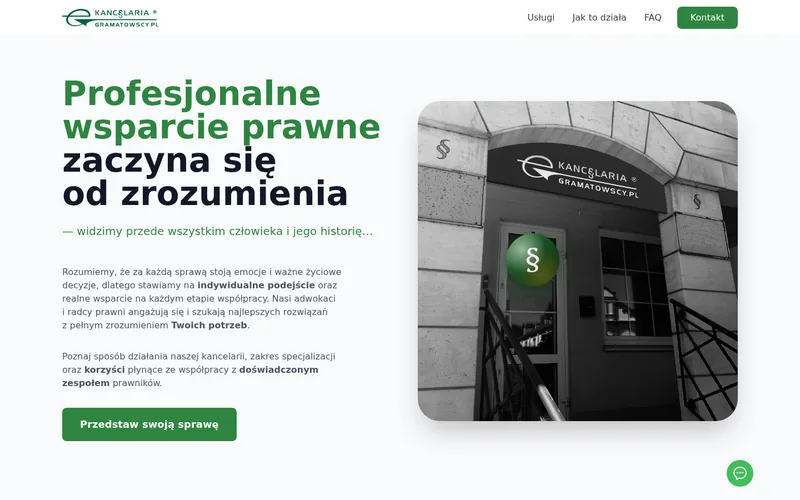 WebsitesAutomation and AI
24/7
chat assistant and a consultation paid online in 3 steps
Kancelaria Prawna Gramatowscy
Gramatowscy Law Firm: book and pay for a lawyer consultation online in three steps, with an assistant that never clocks off
Read the case study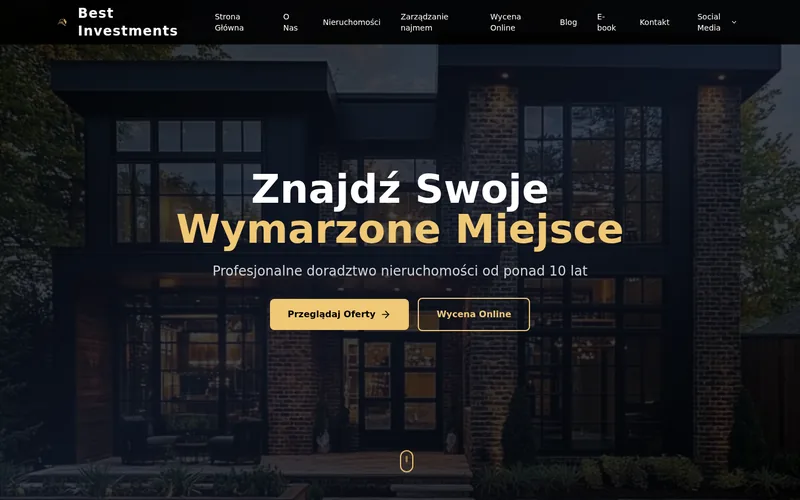 WebsitesAutomation and AI
0
external CRM subscriptions after leaving Go High Level
Best Investments
Best Investments: a website and a custom CRM that replaced Go High Level
Read the case study
Let's talk
Let's spend 15 minutes on your business
Tell us what isn't working. We'll tell you what we'd do first and what it would cost. No strings attached.